![login-logo.png]](https://helpcenter.casafari.com/hs-fs/hubfs/login-logo.png?height=23&name=login-logo.png)
Learn how to improve the quality of your ads on Idealista.pt
idealista is one of the most visited portals for those who want to buy or rent a property, so it is important to ensure that your ads perform well.
In this article, you will learn how to improve the positioning and promotion of your adverts on idealista.
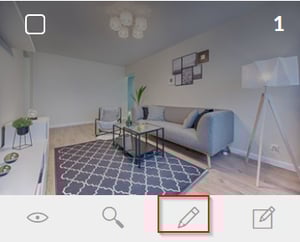
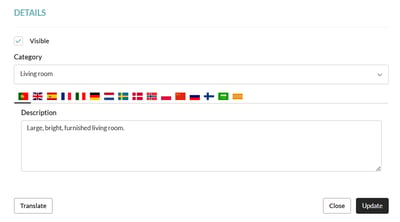
- Upload at least 20 photos per ad. It is important that they have good light and where the most valued characteristics of the property appear, as well as ensuring that all images have a caption.
- Add videos and/or virtual tours to your adverts. Get the attention of potential clients with a real and immersive visit, as if they were there!
- Add the floor plan of the property so that potential buyers have a complete view of the property.
- The description should contain at least 450 characters, be direct, inviting, and go into more depth about the property's features. Ensure that here is included information about the areas of the various rooms, finishes, solar orientation, condition of the property, surrounding area, and main accesses, among others.
- Indicate all the property's characteristics, such as garden, garage, swimming pool, fireplace, air conditioning, number of WCs, energy certificate, year of construction, and useful area, among others.
- Share the exact location of your properties. For this information to be available on idealista, it must be provided in the contract that you have with the portal.
Consult our article to learn how to export your properties to the Idealista.
For more information, please contact us by email: help@casafaricrm.com