![login-logo.png]](https://helpcenter.casafari.com/hs-fs/hubfs/login-logo.png?height=23&name=login-logo.png)
How to publish properties on your website?
Promote your property portfolio to the world! Easily select and publish properties on your website.
1. Go to Properties - List.
2. Select the property and go to details.
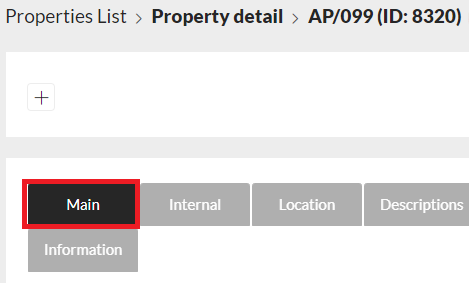
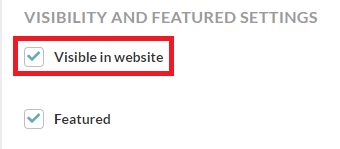
3. On the “General” tab, access the “Visibility and Highlights” option.
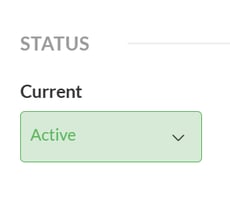
5. Activate the status property
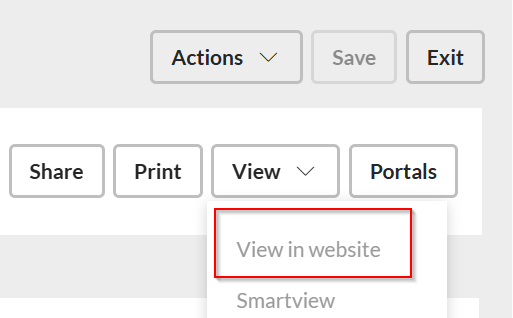
6.Check the "view in website" option to confirm whether the property was published
7. Click Save.
This feature is available for all CASAFARI CRM users.
For more information, please contact by email: help@casafaricrm.com