![login-logo.png]](https://helpcenter.casafari.com/hs-fs/hubfs/login-logo.png?height=23&name=login-logo.png)
Did you know that with CASAFARI CRM you are free to create your own lead status? Check in this article how you can do it.
Adding Lead Status:
1. Go to Leads/Business - Sales or Listings - Status Settings.
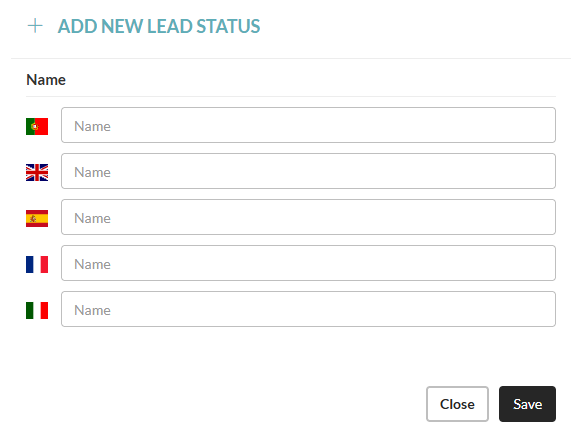
2. Click on “Add new lead status” and define the name to the different languages:
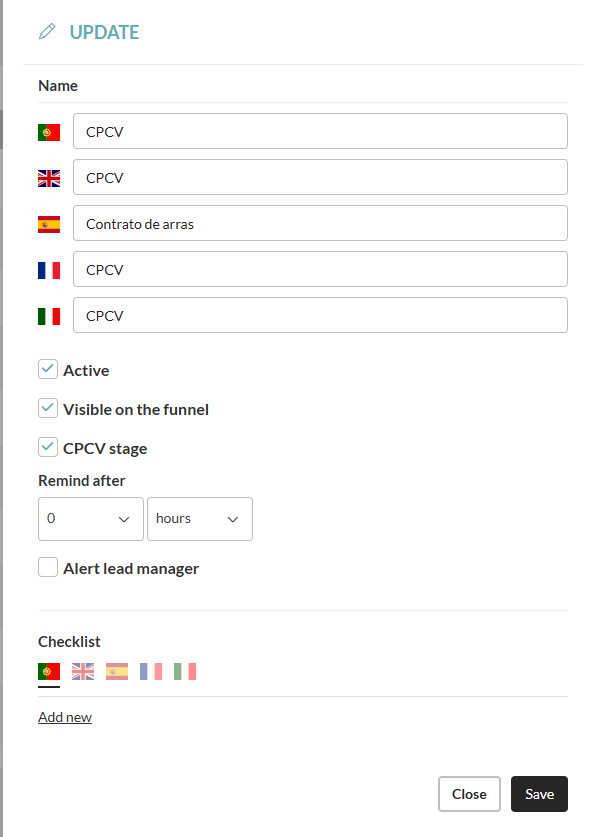
3. Activate the status, create reminders and checklist if required.
4. Click Save.
Sales Funnel Management:
1. Go to Leads/Business - Sales or Listings - Sales Funnel or Listings.
2. Organize the leads by the various status, updating it as the business evolves.
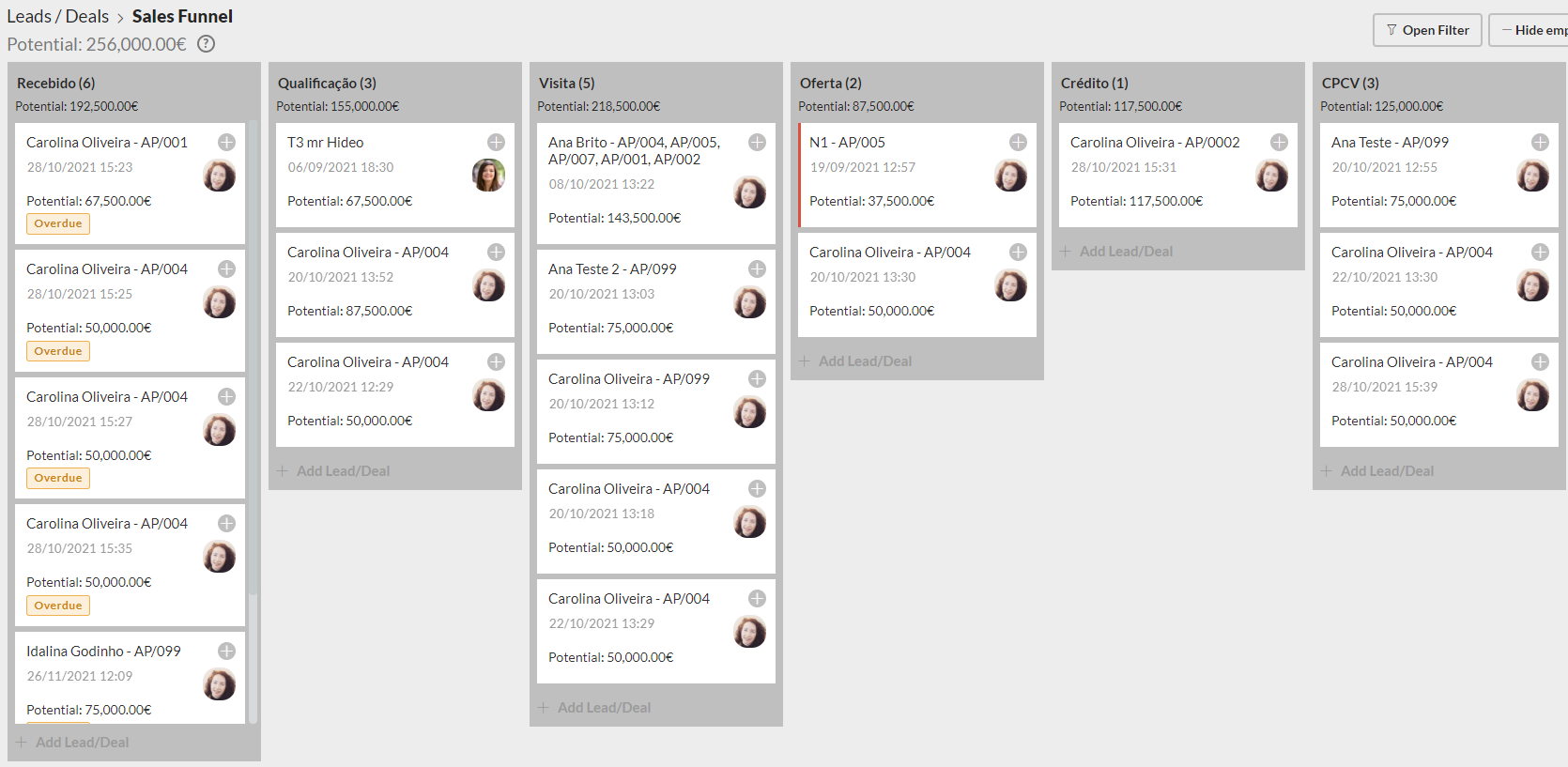
3. Click the + button to add events, if necessary.
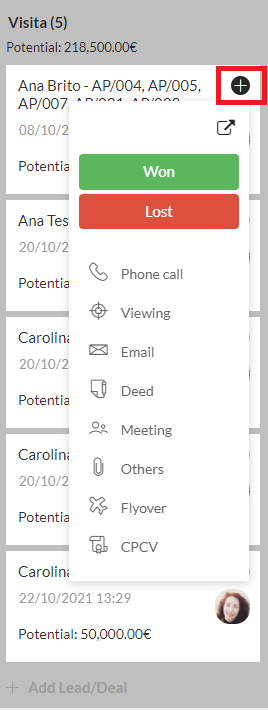
Notice: The leads that are inserted into the CRM (manually or imported from the website and portals) will appear in the funnel associated with the first status. As you change the status in the lead, you should access the funnel and update accordingly.
This feature is available for all CASAFARI CRM users.
For more information, please contact us by email: help@casafaricrm.com