![login-logo.png]](https://helpcenter.casafari.com/hs-fs/hubfs/login-logo.png?height=23&name=login-logo.png)
How to customize the font and colour of the texts in your website?
Customise your website with your company's image. In this article you will learn how to customise the font and its colour.
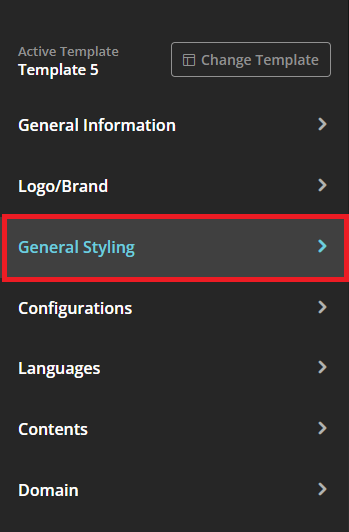
1. Go to Website - Configurator - General Style.
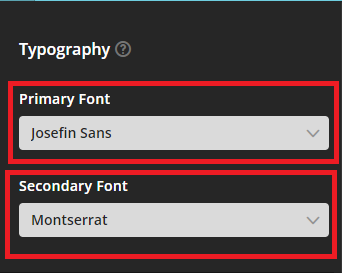
2. Set the font to be used for text and titles.
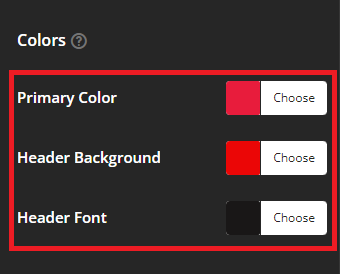
3. Select the font colour, menu colour and menu font.
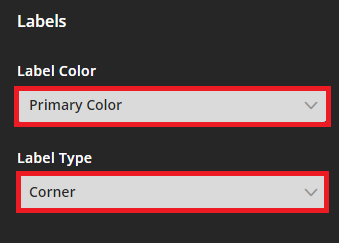
4. Set the label colour and style.
5. Publish on the website.
This feature is available for all CASAFARI CRM users.
For more information, please contact us by email: help@casafaricrm.com