
🔐 Step 1: Log in to Your CASAFARI Account
- Go to www.casafari.com.
- Click Log in and enter your credentials.
📝 Step 2: Open a Property Page
- Navigate to the property you want to comment on using Property Sourcing.
- Click to open the full property details page.
💬 Step 3: Add a Comment
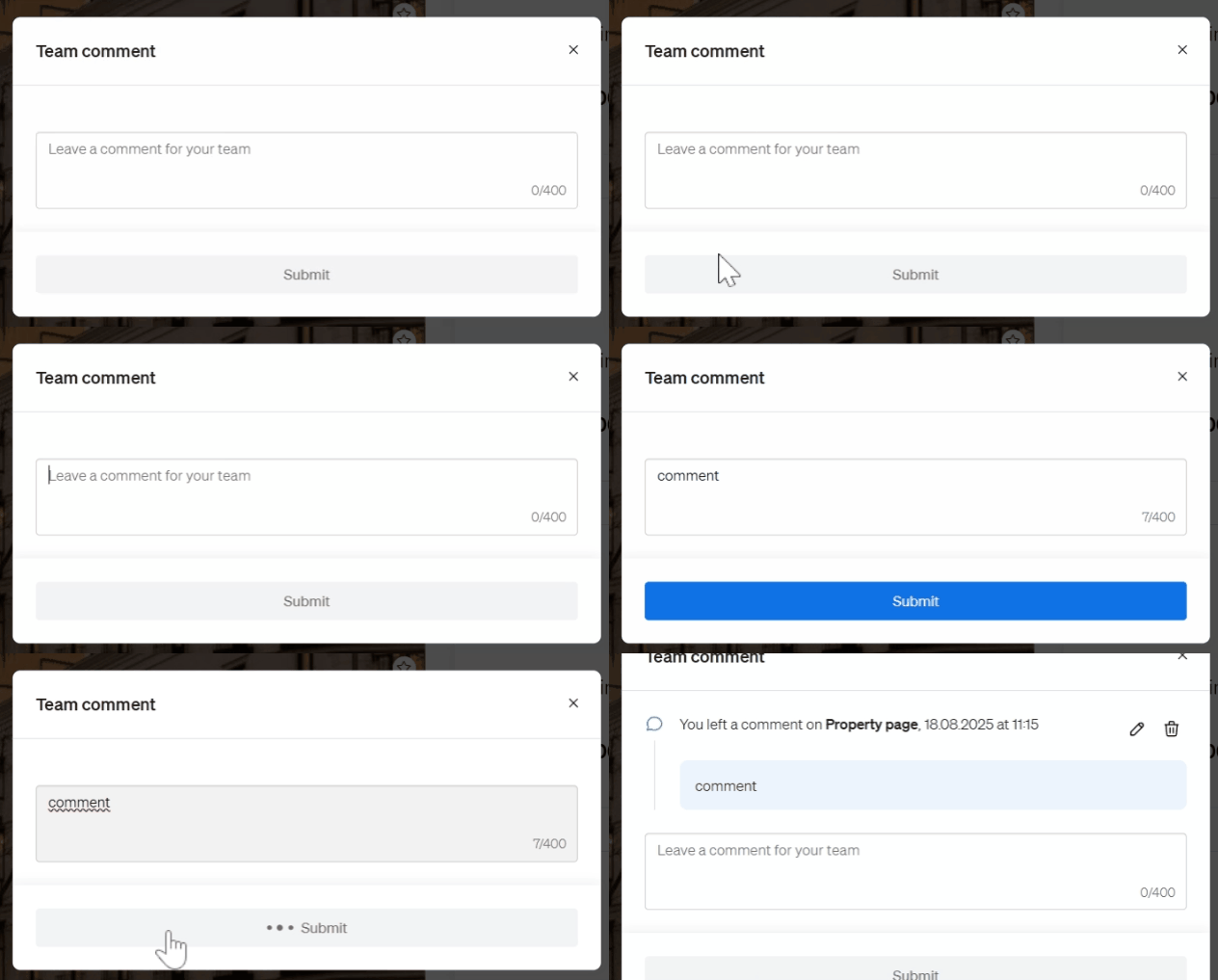
- Select the section “Comments”on the top of the property page next to the smartlink and pdf generating options.

- Type your message or note in the comment box.
- Click submit.
🔒 Who Can See Your Comments?
Your comments are 100% private and are only visible to:
- You
- Members of your team within the same agency account
They are not visible to other CASAFARI users or to external agents and agencies.
💡 Tip:
Use the comment box to log client feedback, pricing notes, or follow-up reminders to keep your team aligned.
📩 Need Help?
If you have questions about comment visibility or team permissions, our support team is here to help: support@casafari.com