
📊 Analyze Market Evolution and Activity
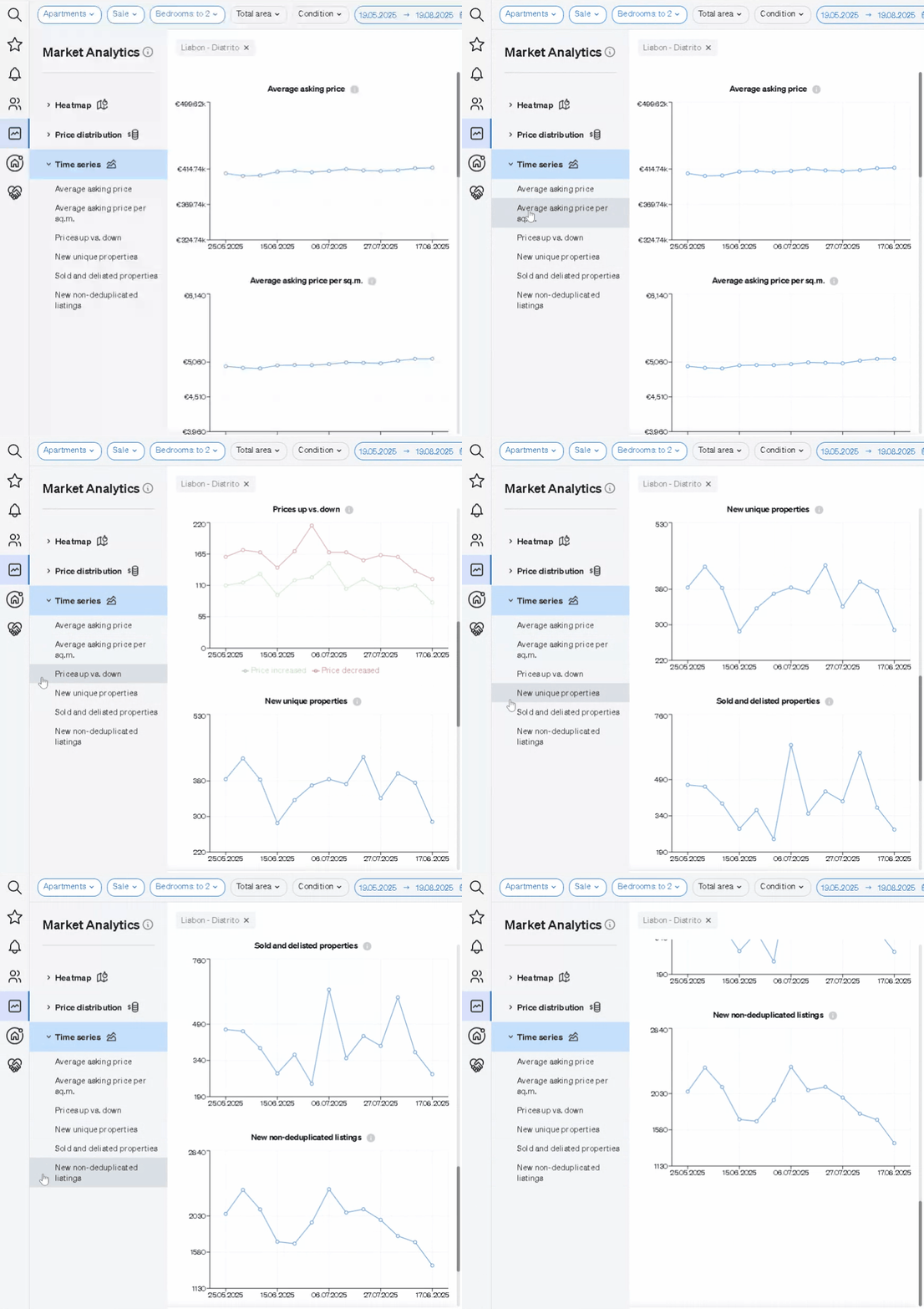
With this tool, you can monitor key indicators that reflect the activity and flow of the market you’re studying. The available data includes:
- Average asking price
- Average asking price per square meter
- Properties with price increases
- Properties with price decreases
- New unique listings
- Sold and delisted properties
- New non-deduplicated listings
These metrics help you identify trends, market movements, and shifts in inventory over a selected period.
📤 Export Your Analysis
You can export your Time Series data in the following formats:
- SmartLink
Choose your preferred export option to save your insights or share them with clients and colleagues for more informed decision-making.