
🔐 Step 1: Log in to Your CASAFARI Account
- Go to www.casafari.com.
- Click Log in and enter your credentials.
🔎 Step 2: Locate the Quick Search Bar
- Once logged in, you'll find the Quick Search bar under the main tools or next to the search bar in the property sourcing tool:
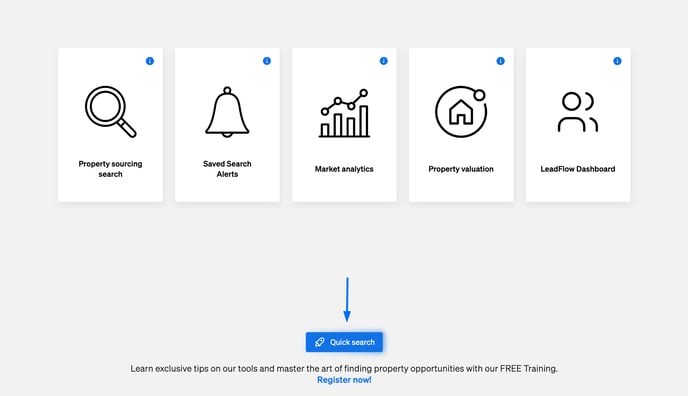

💬 Step 3: Enter Your Search Query
- Keywords
- Descriptive text
- Details and characteristics
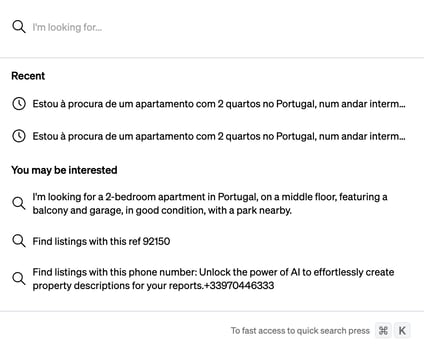
2. Enter the desired result to access the relevant property results.
💡 Tip:
- Use specific keywords or IDs for faster and more accurate results.
- You can also combine location with property type (e.g., “flat Barcelona”) for better filtering.
✅ What Happens Next?
After selecting a result, CASAFARI will redirect you to relevant results where you can:
- View full property or listing details
- Contact the agency or owner
- View comparable listings
📩 Need Help?
If you need further assistance using the Quick Search Tool, don’t hesitate to reach out to our support team at: support@casafari.co