
🔐 Step 1: Log in to Your CASAFARI Account
- Go to www.casafari.com.
- Click Log in and enter your credentials.
🏠 Step 2: Access Your Favorite Properties
- Click the star icon in the vertical menu on the left to open your Favorites page when entering the property sourcing page.
- Select the folder you want to share.
📤 Step 3: Share the Folder
- Click the Share or SmartLink button associated with the folder.
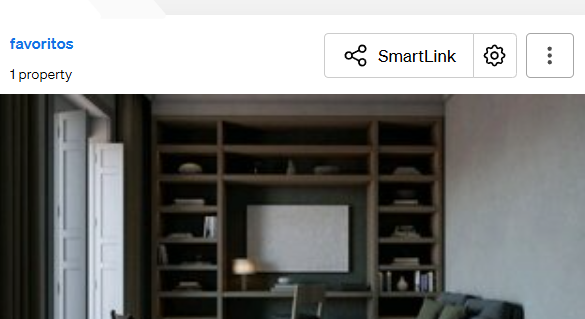
- Choose how you want to share it: copy the link, or send via Whatsapp, Facebook, or other platforms.
- Send the SmartLink to your clients or colleagues for easy viewing.
💡 Tip:
SmartLinks create a visually appealing and user-friendly presentation of your selected properties, perfect for client sharing.
📩 Need Help?
If you need assistance with sharing folders or generating SmartLinks, contact our support team at: support@casafari.com