
To manage your profile and account preferences, follow these steps:
1. Log in to your CASAFARI account:
Go to www.casafari.com and log in using your credentials.
2. Go to your “Me menu”:
Once logged in, click on your “me menu” on the top right corner of the page to open the account menu.
3. Select the "Edit Profile" tab:
Look for a tab named "Edit Profile" in the dropdown menu.
4. Edit your profile:
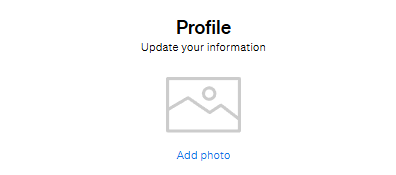
Click on “Add photo” to add a profile picture. If you already have a photo inserted, click on “Remove photo” or “Change photo” if you wish to change it to a different one.
Fill in the name and last name fields with the name of your user account, and even add an “About me" section if you wish, to complete your profile.
5. Edit your SmartLink contact information:
Fill in the Short introduction field with the info you wish to add to your Smartlinks.
Social media links can also be added to your profile, just insert the links on the specific fields.
Add a QR code.
For more details about managing your account or other settings, feel free to ask our support team!