
🔐 Step 1: Log in to Your CASAFARI Account
- Visit www.casafari.com.
- Click Log in and enter your credentials.
🏠 Step 2: Access Your Portfolio
- Navigate to the property sourcing tool.
- Here, open the private/ agency filter and select your company as agency to add in the search
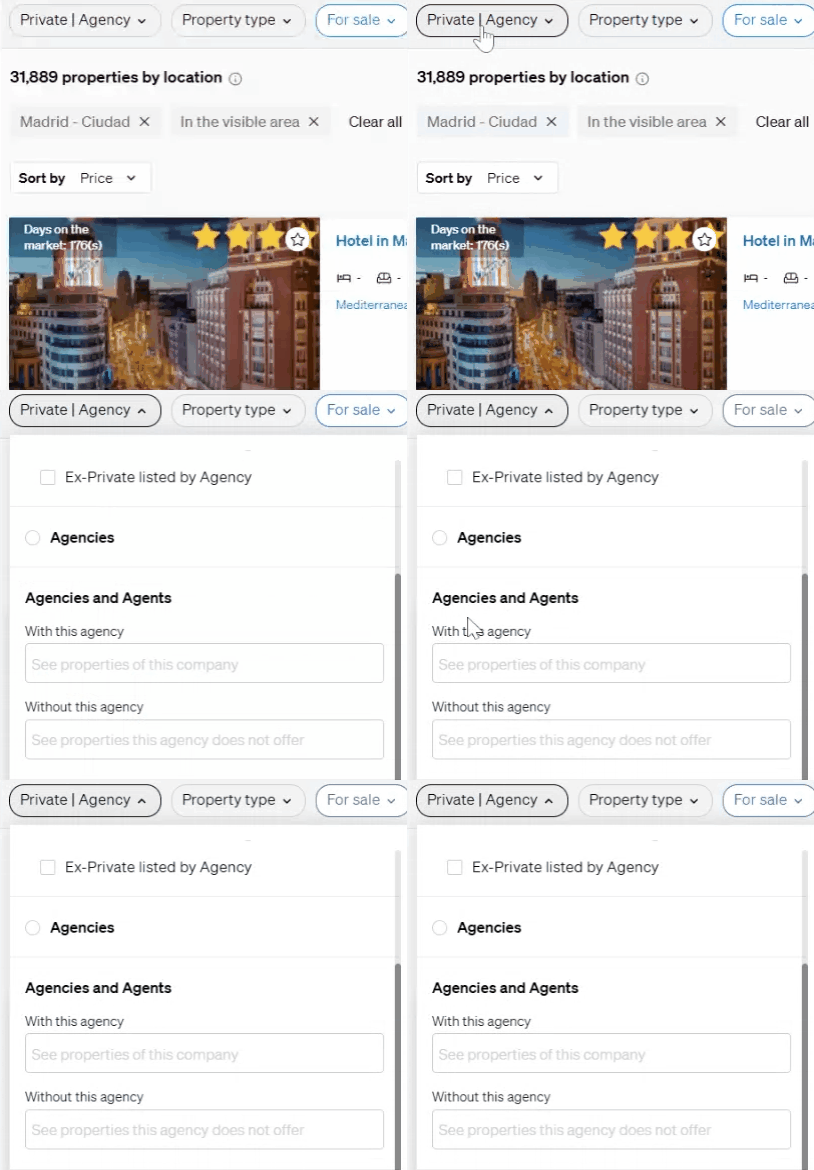
- This way you will be able to compare how many and which properties your agency is listing are being listed on CASAFARI.
- If a listing is missing please contact our support team support@casafari.com to add this missing listing.
💡 Tip:
Regularly update and review your portfolio to keep track of property statuses and market changes.
📩 Need Help?
If you need assistance managing your portfolio, please contact our support team at: support@casafari.com