1. Change the Platform Language:
- Go to the Top Right Corner:
Locate the language selector at the top right of the CASAFARI platform. - Open the Language Menu:
Click the language icon to display the list of available languages. - Select Your Preferred Language:
Click on the desired language to apply it across the platform.
Your reports will now be generated in the selected language.
2. For Property Valuation Reports:
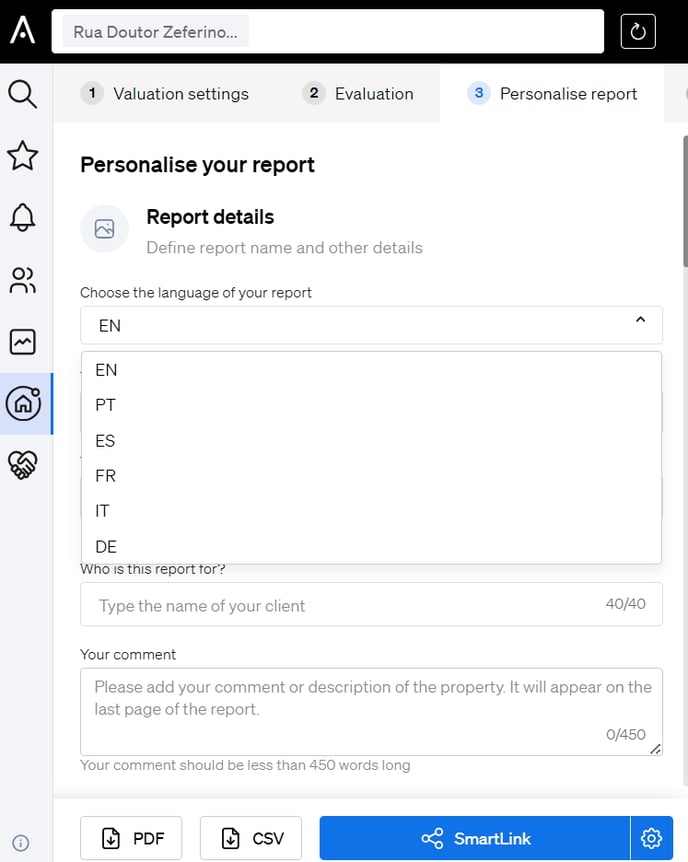
To change the language specifically for a property valuation report:
- Click on “Personalize” within your valuation.
- Select the Language from the available options for that specific report.