
Steps to Request an Email Change:
1. Open your CASAFARI account, access the “Me menu” on the top right corner of your page, and select the “Contact Us” option.
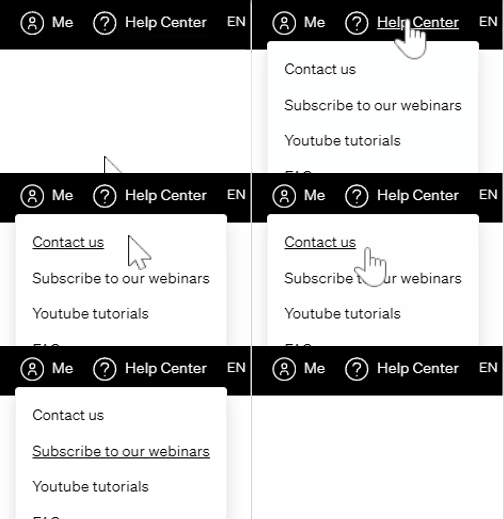
2. Compose a new message to our support team or send an email directly to: support@casafari.com
3. Include the following information in your message:
The current email address is linked to your CASAFARI account.
The new email address you would like to use.
(Optional) Reason for the change, if relevant.
4. Wait for a response from the support team.
Our team will verify your request for security purposes and notify you once the email has been successfully updated.
ℹ️ Important Notes:
- Email changes may take some time, depending on support request volume.
- Make sure the new email address is not already linked to another CASAFARI account.