
🔐 Step 1: Log in to Your CASAFARI Account
- Go to www.casafari.com.
- Click Log in and enter your credentials.
🏠 Step 2: Open the Property Page
- Use Property Sourcing or the Quick Search Tool to find the relevant property.
- Click to view the full property details page.
🖼️ Step 3: Change the Source of Photos
- Scroll to the photo gallery at the top of the property page.
- Just below the gallery, you will see a selection of available photo sources if it counts with multiple sources.
- Click on one of the options to change the displayed photos to a different listing source.
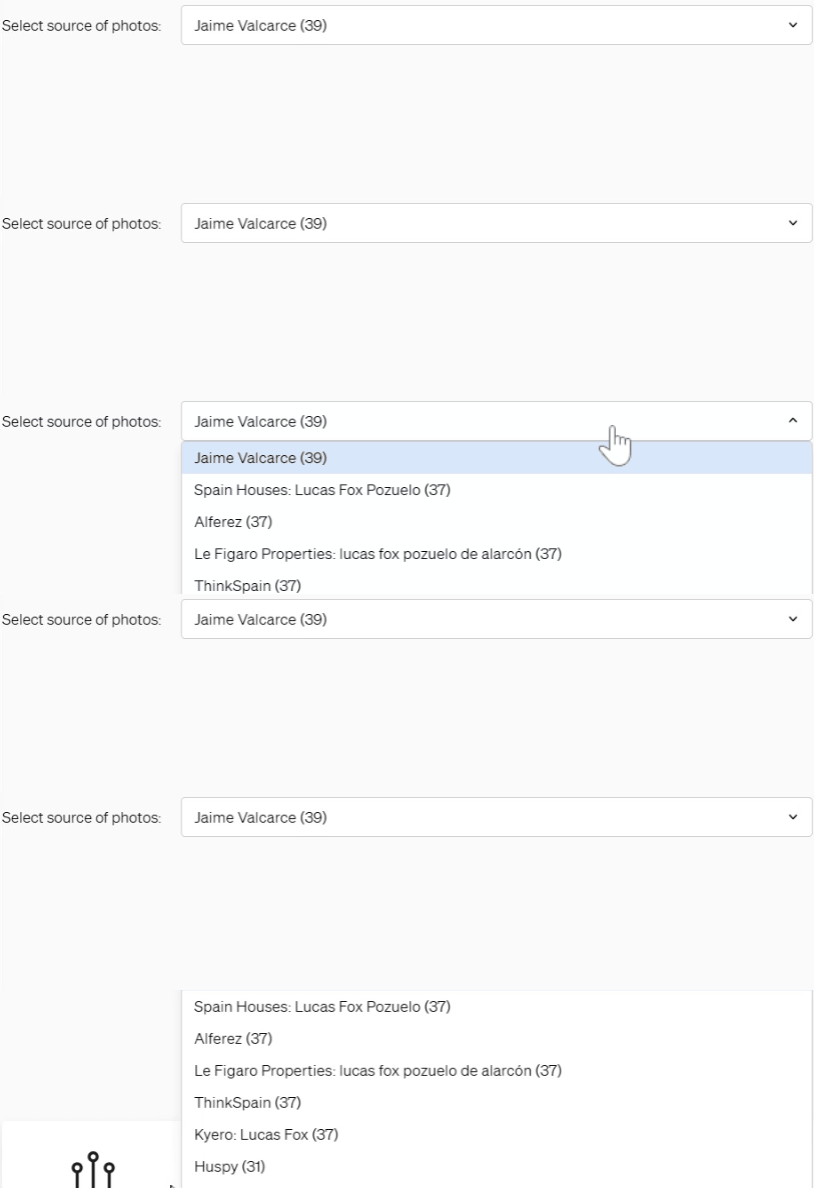
The system will instantly update the images shown—this selection will also apply to the SmartLink and PDF exports of that property.
💡 Tip:
Choose the photo source with the highest quality images or without watermarks to improve your client's experience.
📩 Need Help?
If you're having trouble changing the photo source or don’t see the option, feel free to contact our support team at: support@casafari.com