
🔍 Step 1: Access the Valuation Tool
-
Log in to your CASAFARI account.
-
Open the Property Valuation tool.
-
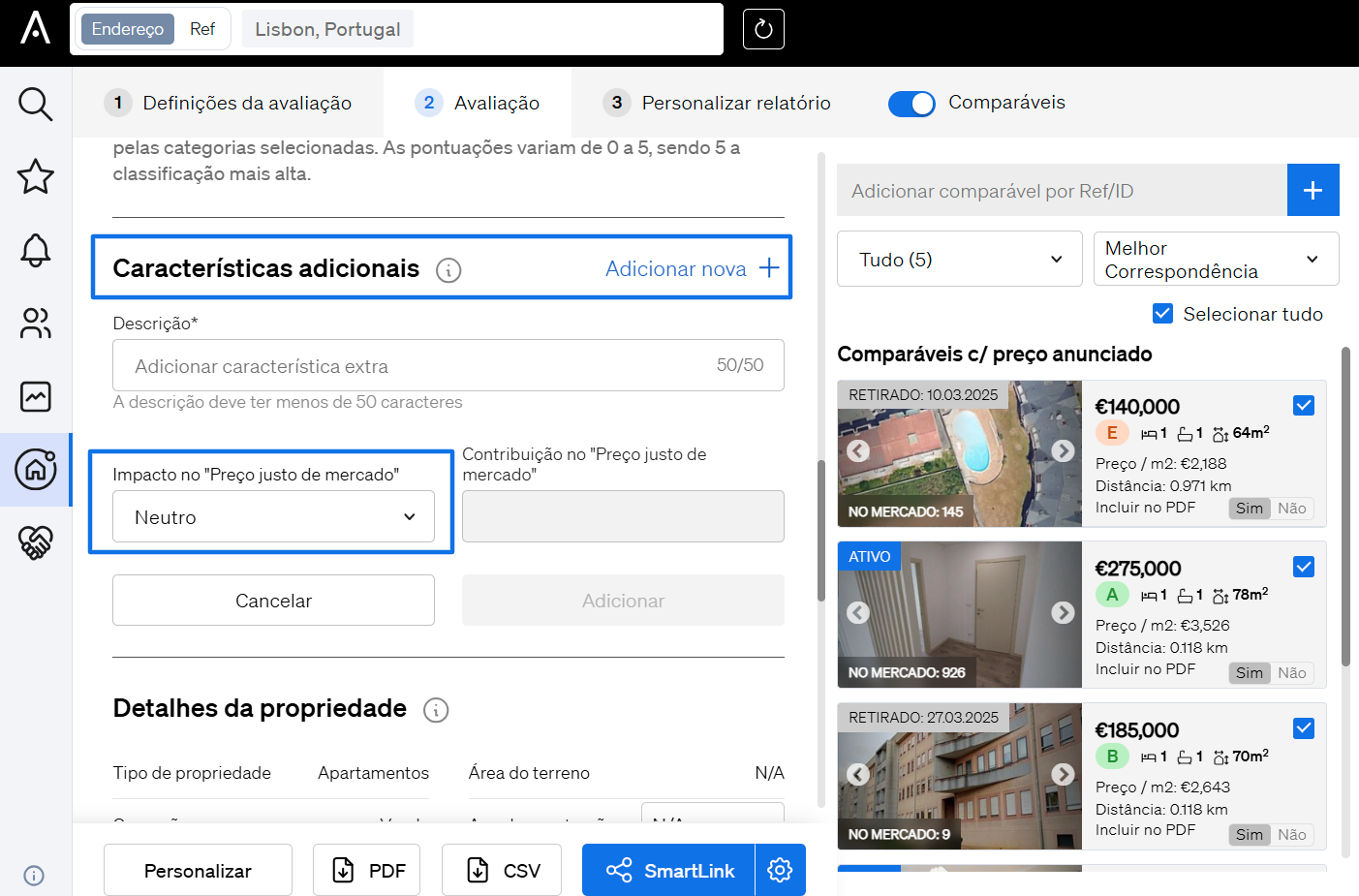
In Step 2: Valuation, scroll down the column on the left-hand side.
➕ Step 2: Add Additional Characteristics
-
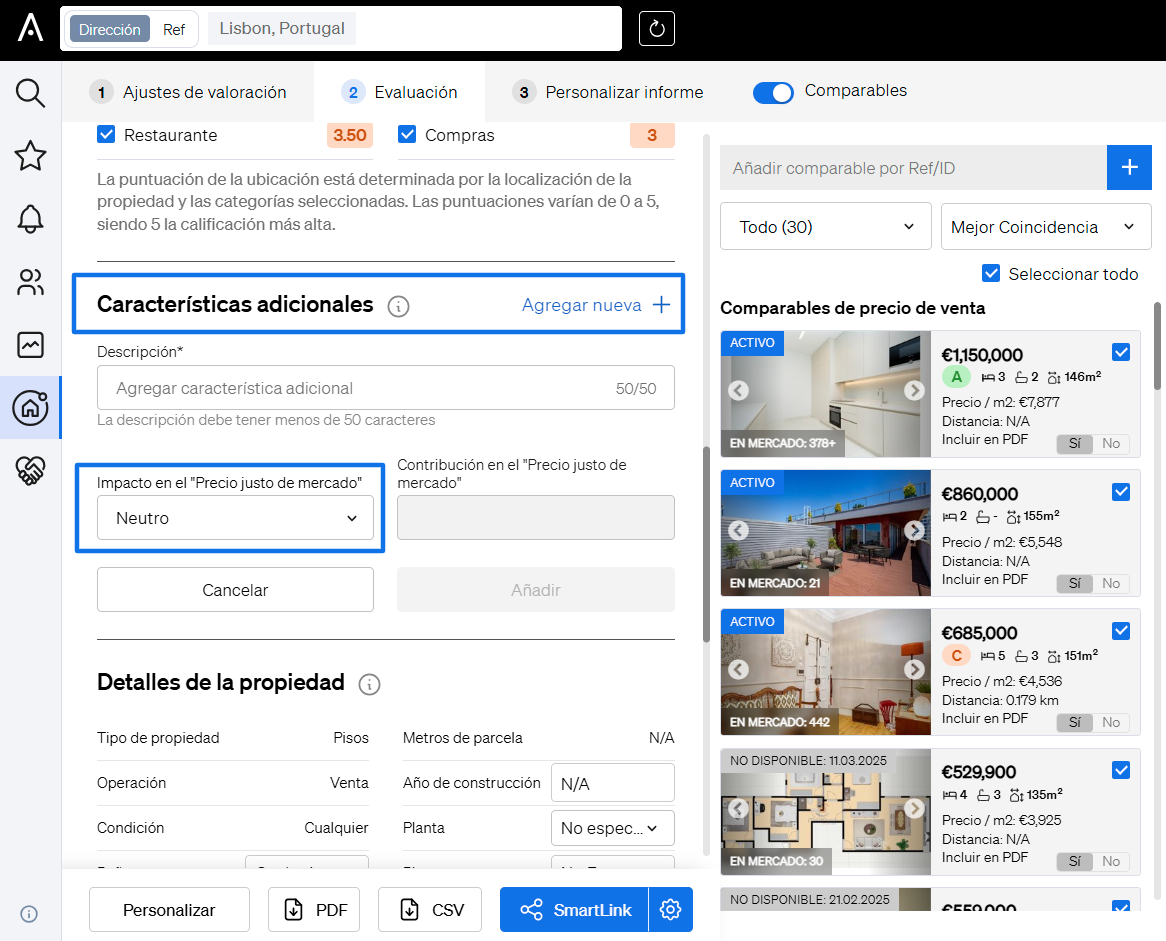
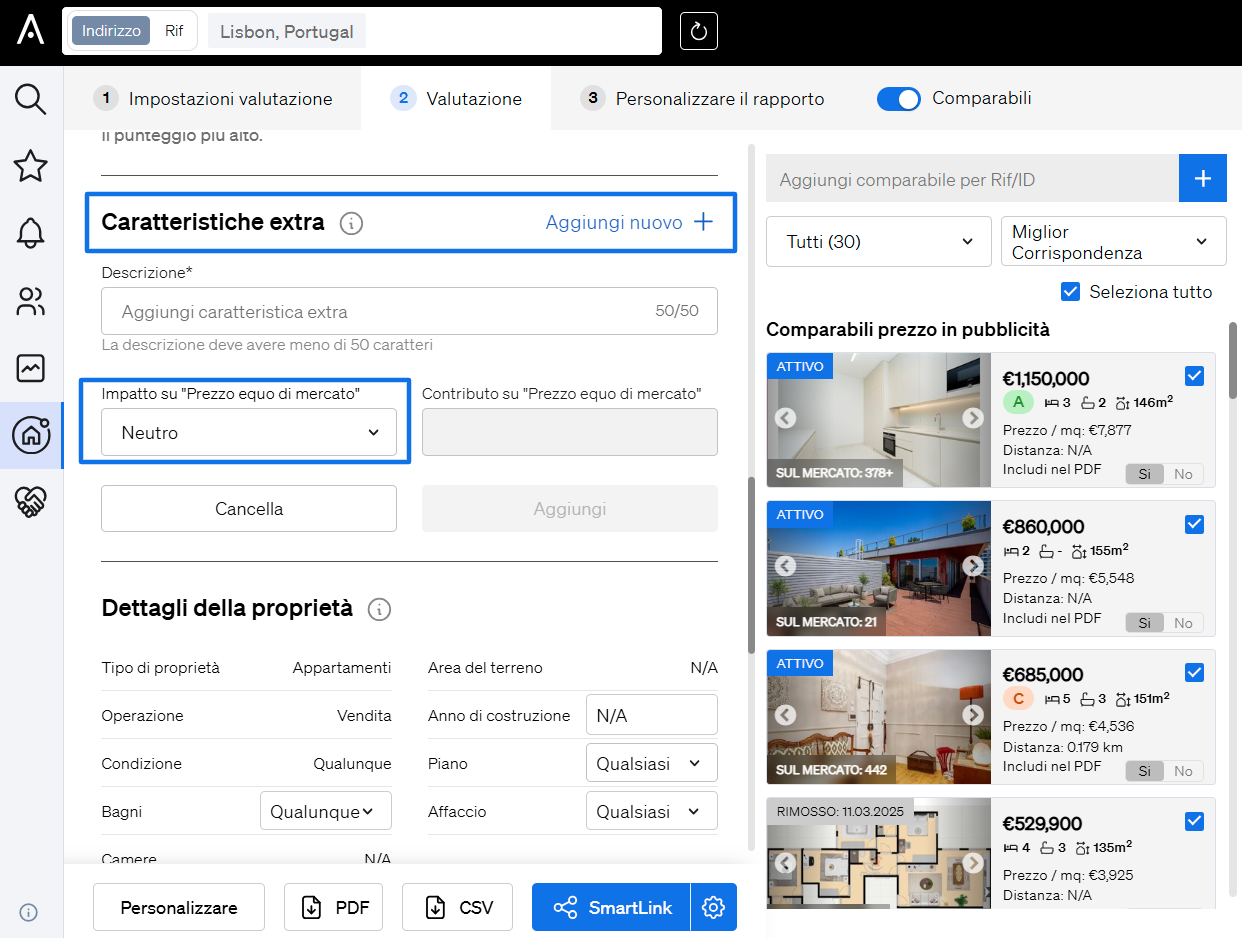
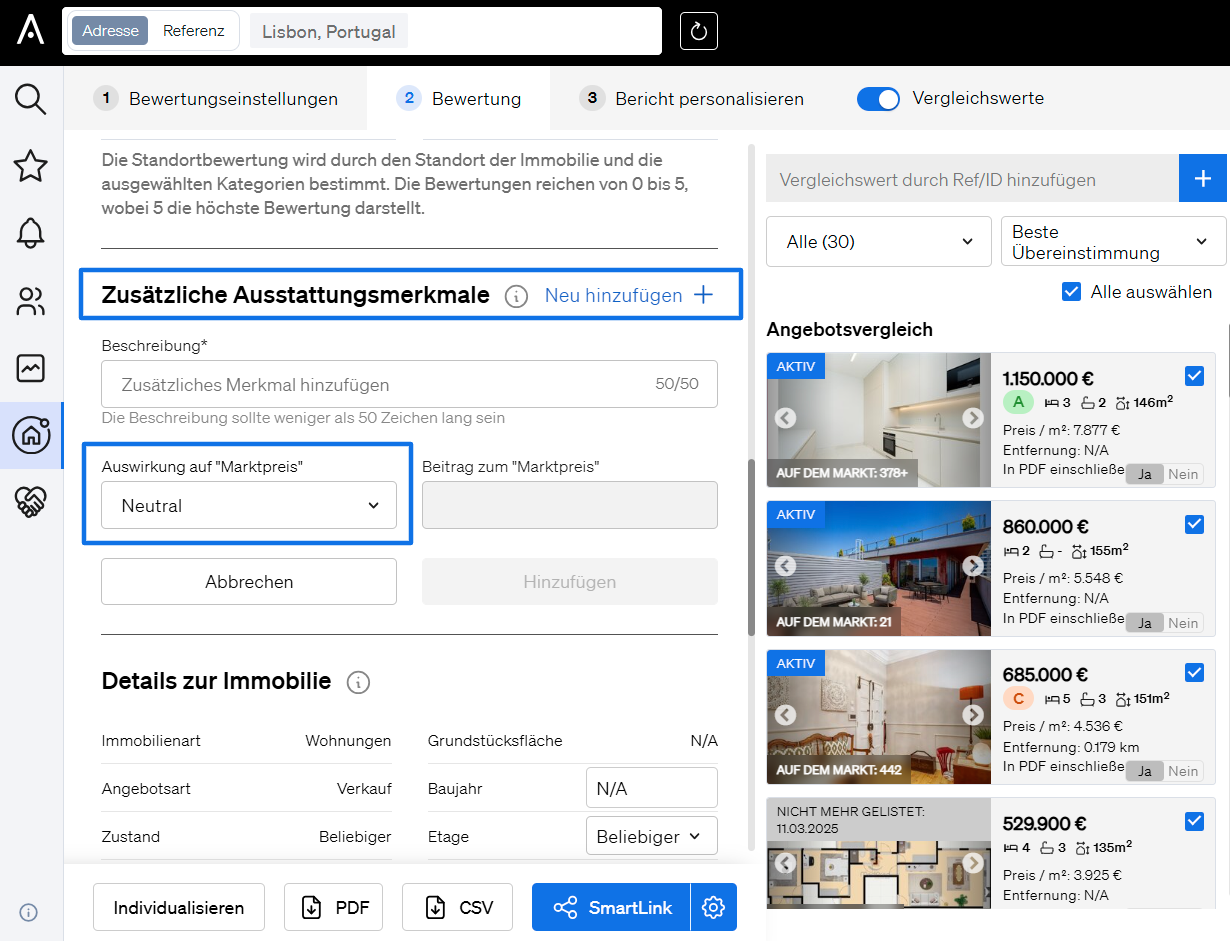
Find the section titled “Additional Characteristics.”
-
Click on “Add new.”
✏️ Step 3: Fill in the Details
-
Name/Description of the characteristic (e.g., “Solar panels,” “Plumbing work needed”).
-
Select the impact on the property value:
-
Positive (will add value to your Fair Market Price)
-
Negative (will subtract value from your Fair Market Price)
-
Neutral
-
-
Enter the estimated impact value in numbers.
-
Click “Add” to include it or “Cancel” to discard it.


🔄 Step 4: Manage Characteristics
After adding, you can:
-
Add more additional characteristics
-
Edit existing entries
-
Delete unwanted characteristics